.png)
Payment Gateway
Paymob Integration
A gateway that opens your store to every card
The Paymob gateway lets your store accept electronic payments with local and international cards, enabled from the Zahy panel and tied directly to your orders and invoices.

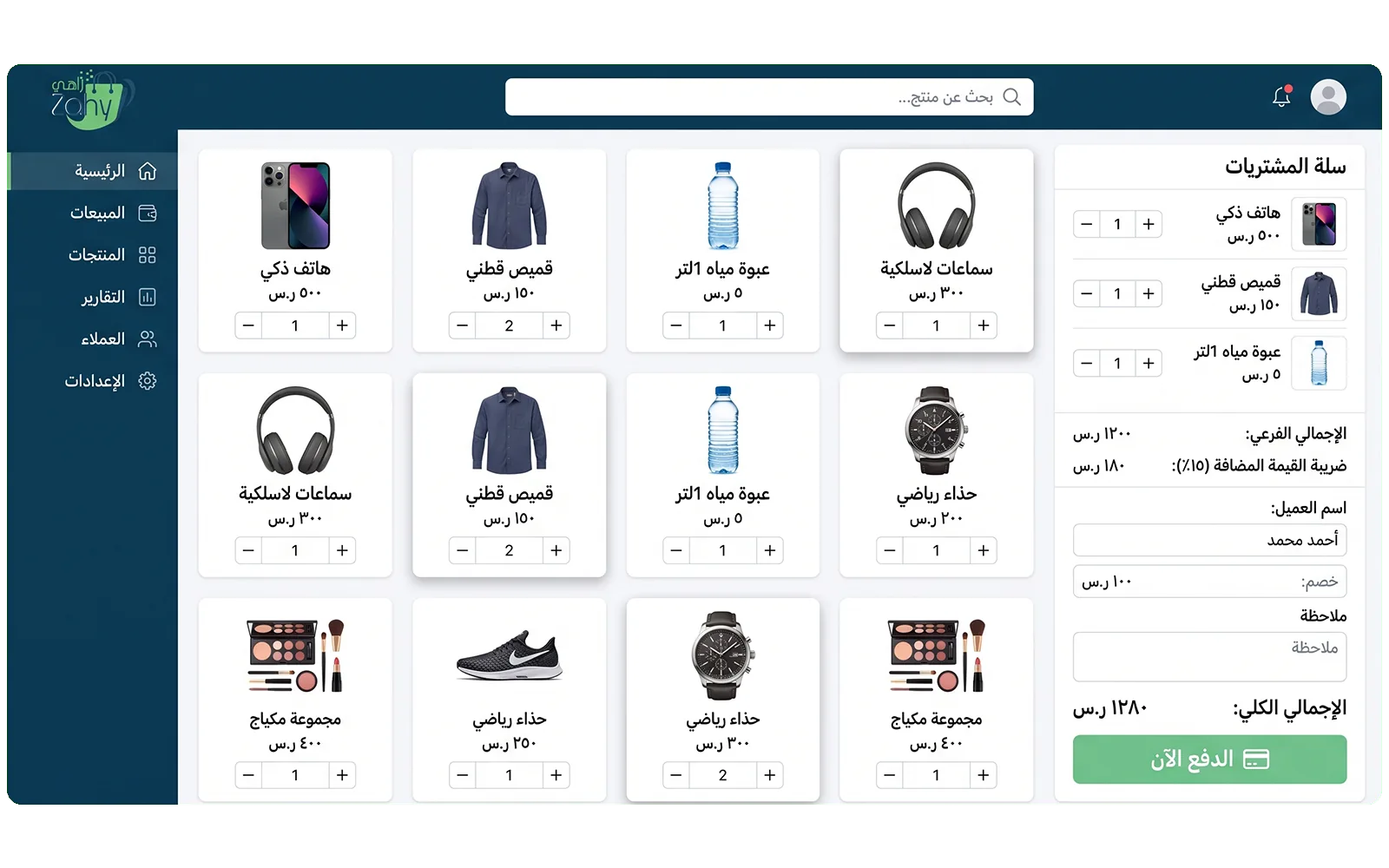
Payment Gateway
What this integration adds to your store
- Local and international cards
- Automatic order and invoice linking
- Clear collection reports
- A smooth checkout for the customer
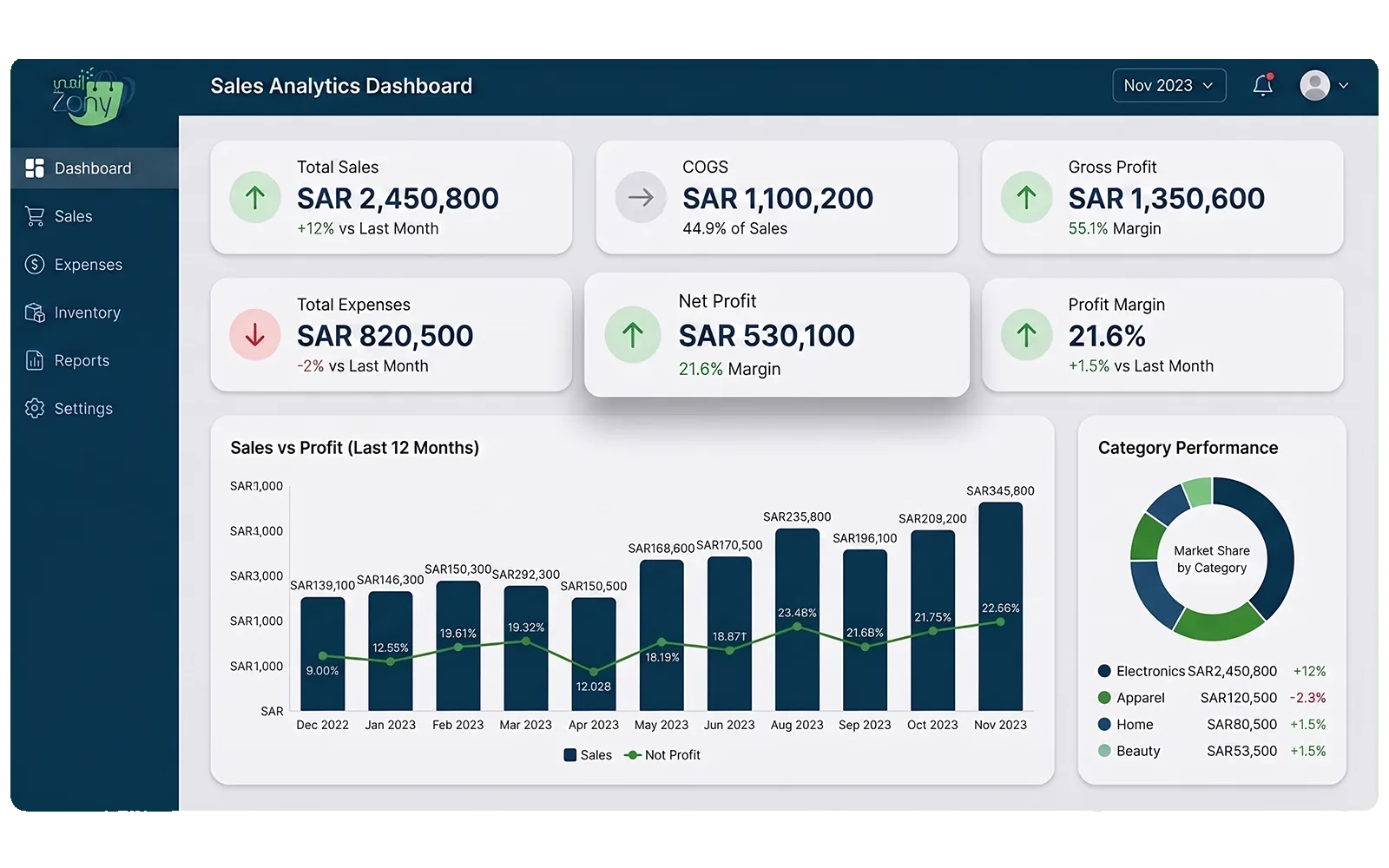
How it works
How it works
Enable Paymob from the integrations panel and complete your provider account details; payment methods become available to your customers.
Common questions
1
Do I need a Paymob account?
Yes, you create your account with the provider then link it to Zahy from the integrations panel.
2
Do payments arrive tied to invoices?
Yes. Every payment links to its order and ZATCA-compliant invoice automatically.